 DICTUMDICTUM
Dictation, transcription and meeting notes that tell the speakers apart, all written up by on-device AI. No cloud, no account, nothing uploaded.
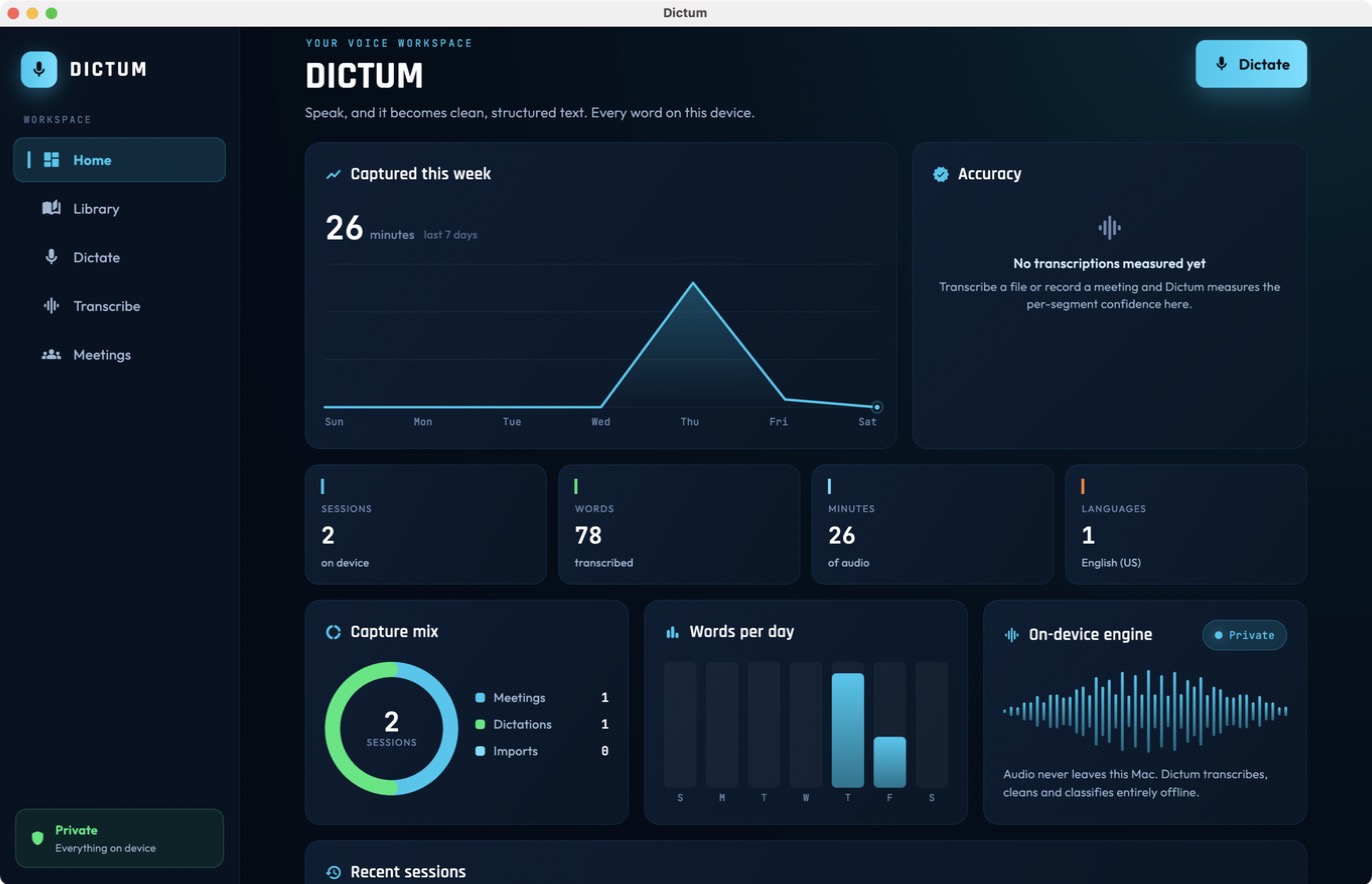
Most voice apps ship your audio to a server to turn it into text. Dictum does the whole job on your own device: the transcription, the clean-up, the speaker separation, the sensitivity check and the export. The audio and the words never leave your iPhone, iPad or Mac, so there is nothing to leak, subpoena or sell.
Dictate a thought, import an audio file, or record a whole meeting. Dictum takes it from there.
On-device AI writes it up with timestamps, tells the speakers apart, and labels anything sensitive, privately.
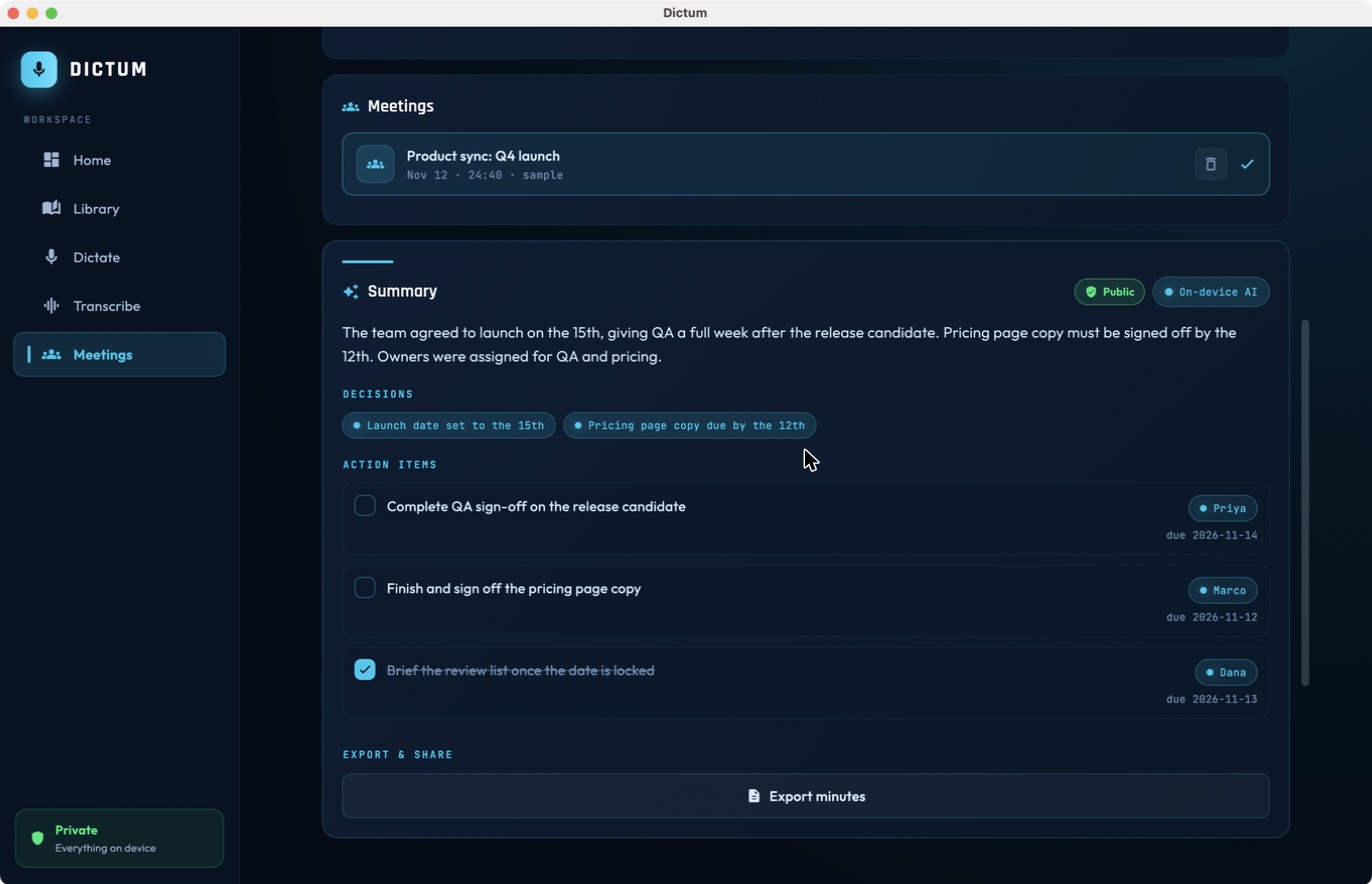
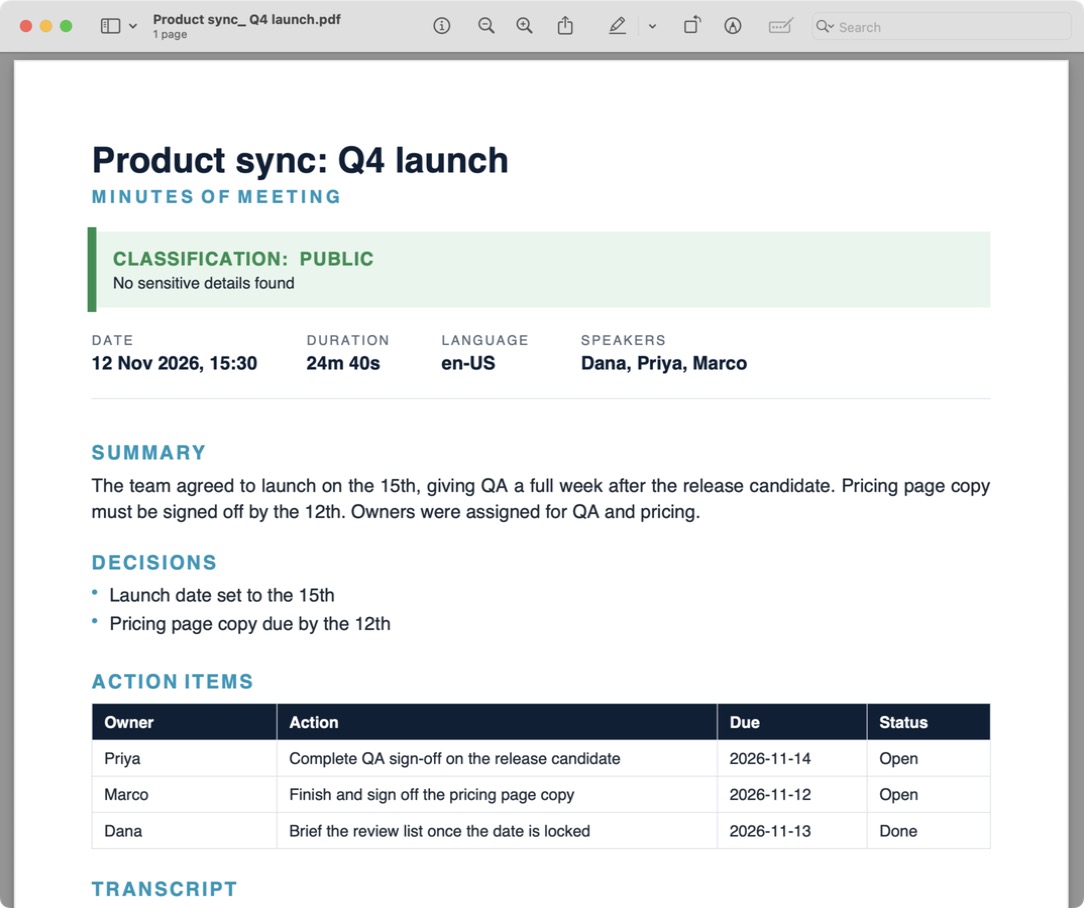
One tap turns a meeting into a polished PDF or Word document, or saves the audio as an mp3.
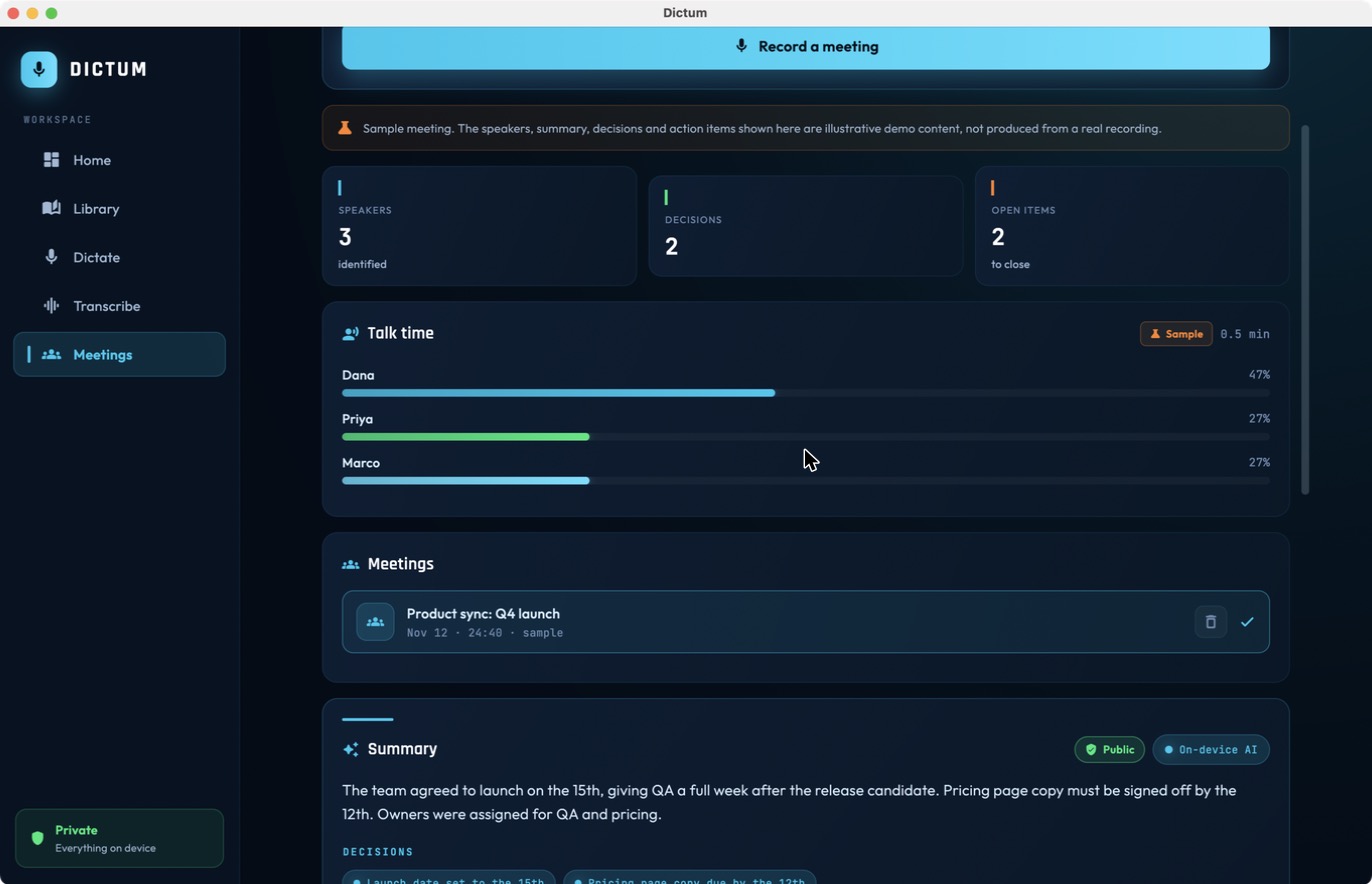
Record a meeting and Dictum separates each voice on your device, labels every line by speaker, and shows a talk-time breakdown. It works out how many people spoke on its own, with no voice enrolment and no cloud. Tap any speaker to give them a real name and the whole transcript updates.
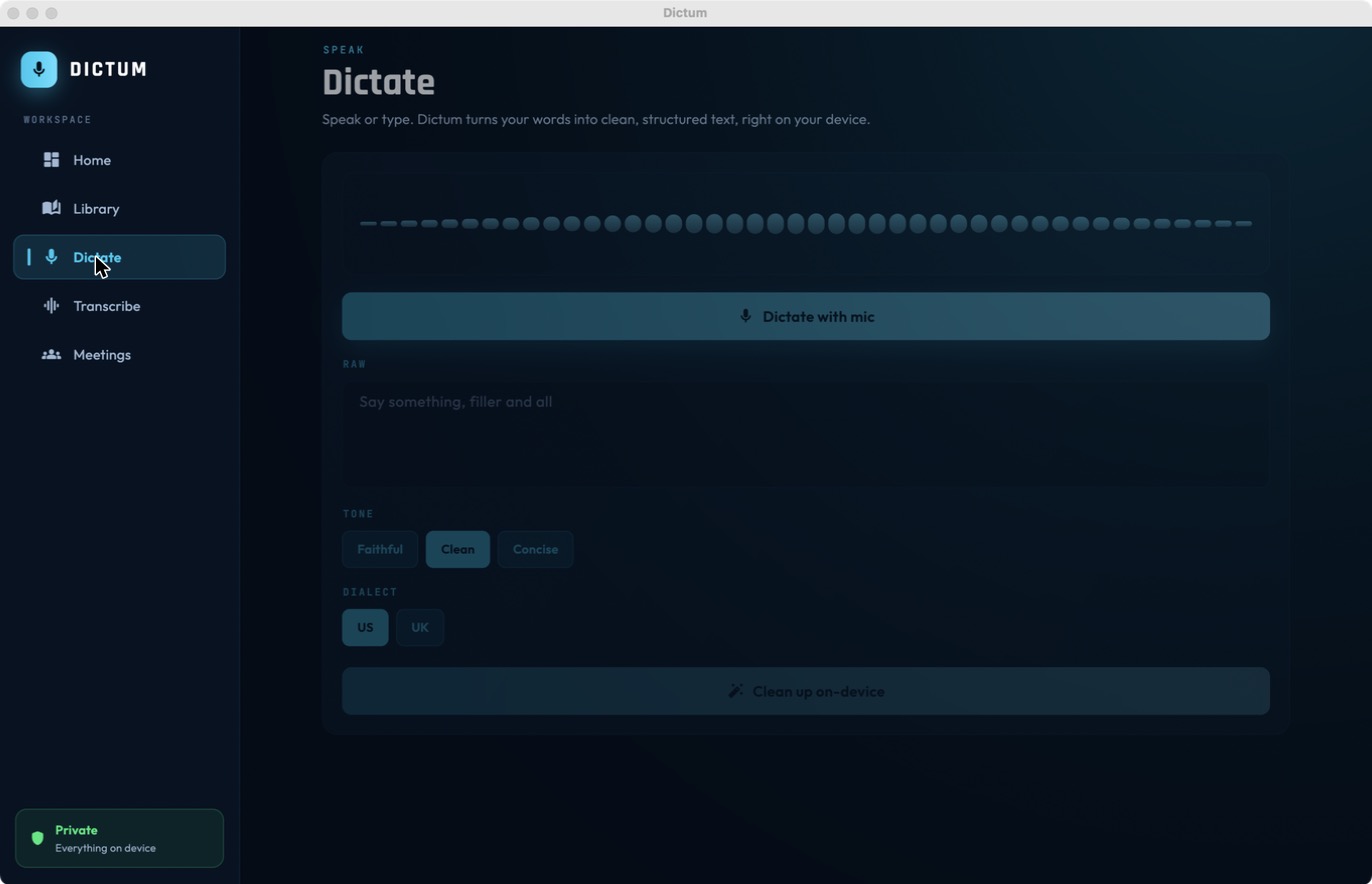
Speak and Dictum turns it into clean text, stripping filler and fixing punctuation, in your own dialect.
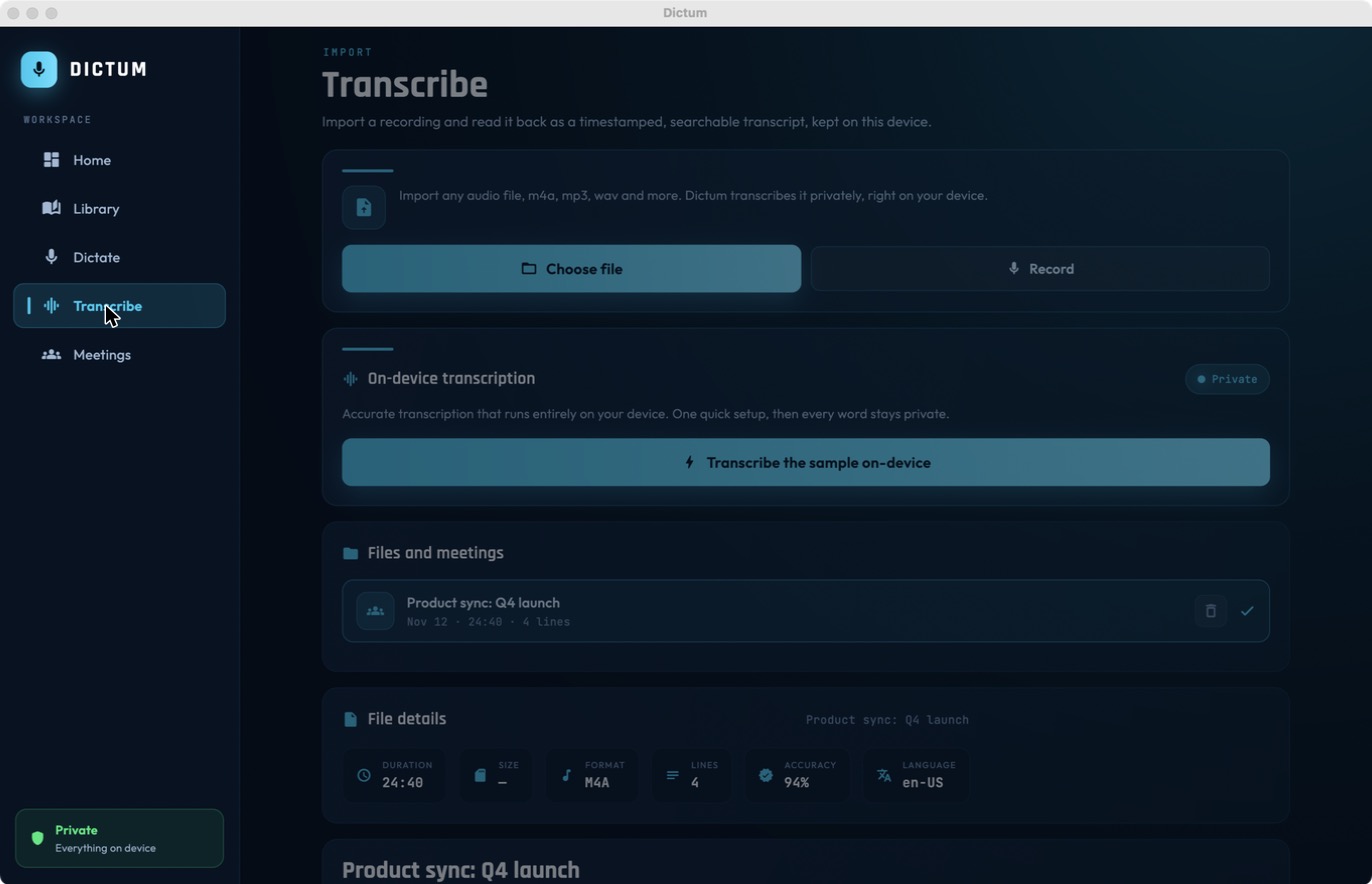
Import any recording, m4a, mp3, wav and more, and read it back as a timestamped, searchable transcript.
Meetings are split by speaker on-device, with a talk-time breakdown and one-tap naming.
Every transcript is scanned privately and labelled, so nothing confidential slips out by accident.
Turn a meeting into a presentation-ready document with summary, decisions and an action-items table.
No cloud, no account, no tracking. Dictum can run in airplane mode because it never needs a network.
Writing or making videos about privacy? I will send you a free license. Reviewers are welcome to put Dictum behind a packet capture and watch it stay completely silent: no cloud, no account, no calls home. The transcription, the speaker separation and the export all happen on the device in front of you.
No. Every step, the transcription, the clean-up, the speaker separation, the sensitivity check and the export, runs on your own device. There is no account and no cloud, so the audio and the words stay with you.
Dictum listens for when the voice changes and groups the segments that sound like the same person, entirely on-device. It works out how many people spoke on its own, with no voice enrolment. You tap a speaker once to give them a real name.
Common recordings including m4a, mp3, wav, flac and more. Dictum reads them back as a timestamped, searchable transcript and can re-encode the audio to mp3 for you.
Yes. Dictum never needs a network, so it works anywhere, in airplane mode included.
iPhone, iPad and Mac. One Universal Purchase covers all three, and your sessions stay on whichever device holds them.